Trial Fusion Signage instantly from your browser (no digital signage screen needed)
21 May
00
min read
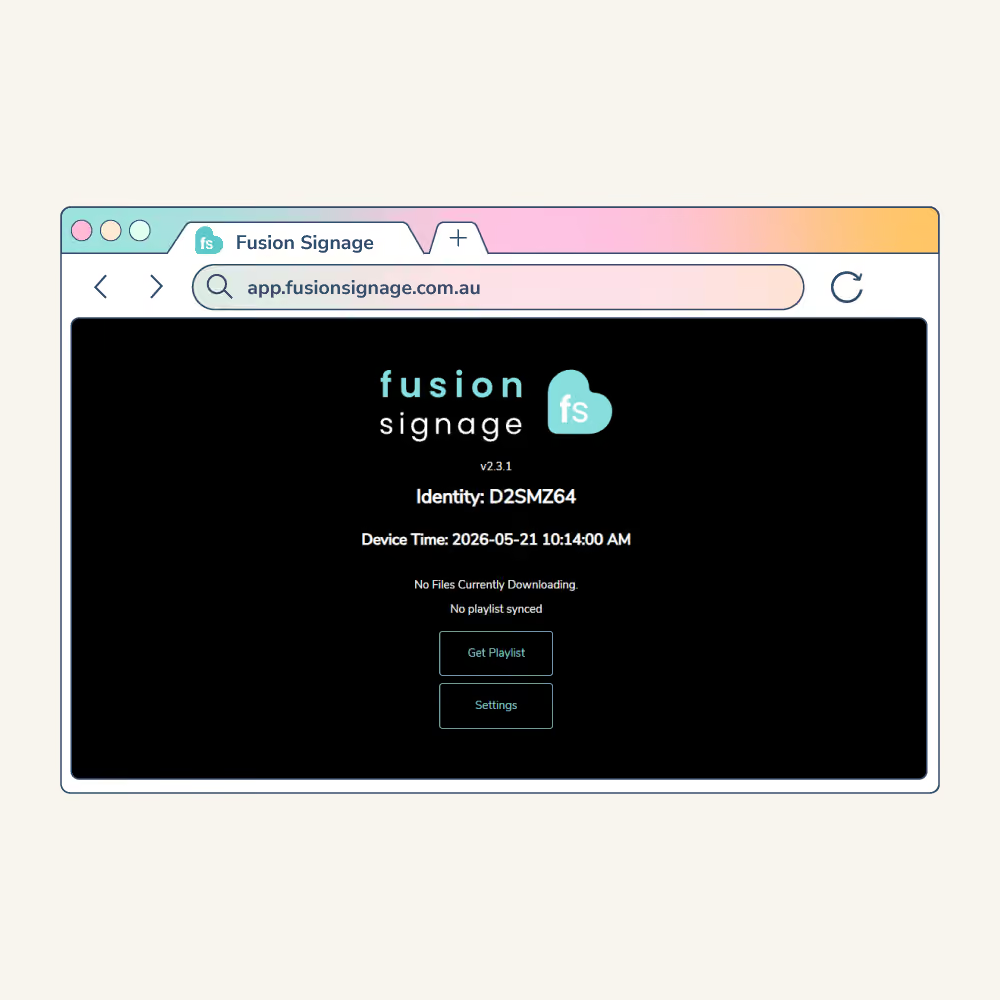

Get started with Fusion Signage in minutes using just your web browser. Design, schedule, and preview content without waiting for screens or hardware to arrive.
No screen yet? No problem. Get started with digital signage quickly, even if:
- Screens haven’t arrived yet
- Hardware is still being decided
- IT hasn’t installed anything
- Or you’re just… exploring
Keep the momentum rolling and set up software in a flash. 😎

How to turn your browser into a screen
If you don’t have a physical screen handy yet, you can use your web browser as one.
To do it, simply:
- Open a browser (Google Chrome is best)
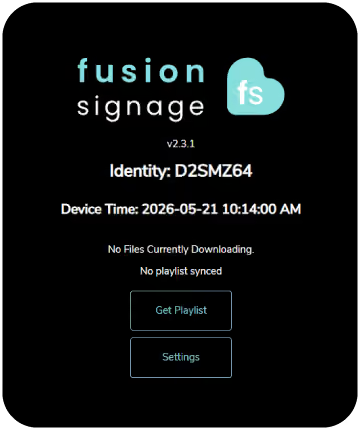
- Head to the Fusion Signage Web Player to receive a unique screen code
- Log into your Fusion Signage account, click Add Screen
- Enter the code, name your screen, assign your trial licence
- Click Add Screen one more time
- Then head back to the Manage section to assign your content.
- Easy-peasy. It’s basically a live screen, without the hardware.
- So you can hit the ground running the moment your screen arrives. Nice one. ✨
Why it's neat
Instantly design, schedule and test digital signage content from your PC or laptop.
Whether it’s your team, a client, or a stakeholder – actually show what it’ll look like.
Then when the screen(s) arrive(s) you’re ready to go live. 😎
The Monthly Catch-Up
Sign up to our newsletter for the latest updates, insights and helpful tips straight to your inbox.
Email*


.avif)

Looking for something else?
We can’t wait to hear about it. Reach out to our sunshiney support or binge demos on-demand.
.avif)

Become a
Fusion Signage
partner

Our story
We’re an agile team of engineers, dog-lovers and get-stuff-done-ers. Here to make your digital signage feel simple, go powerful and create impact.

<3
Our sunshiney support have an average response time of less than three minutes. <3 that for us.
