Canva integrates with Fusion Signage
15 Jul
00
min read


With our Canva integration, you can skip the usual export, download, re-upload dance. Design in Canva. Send to Fusion Signage. Go live. Easy-peasy.
Design in Canva. Send to Fusion Signage. Go live. Easy-peasy.
We’ve just launched our Canva integration (cue the glee). Now it’s even easier to create eye-catching content for your digital signage screens.
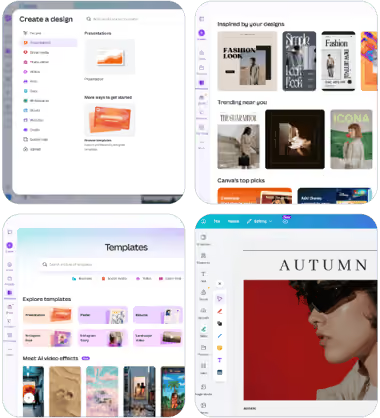
What it means for you
With our Canva app, you can skip the usual export, download, re-upload dance.
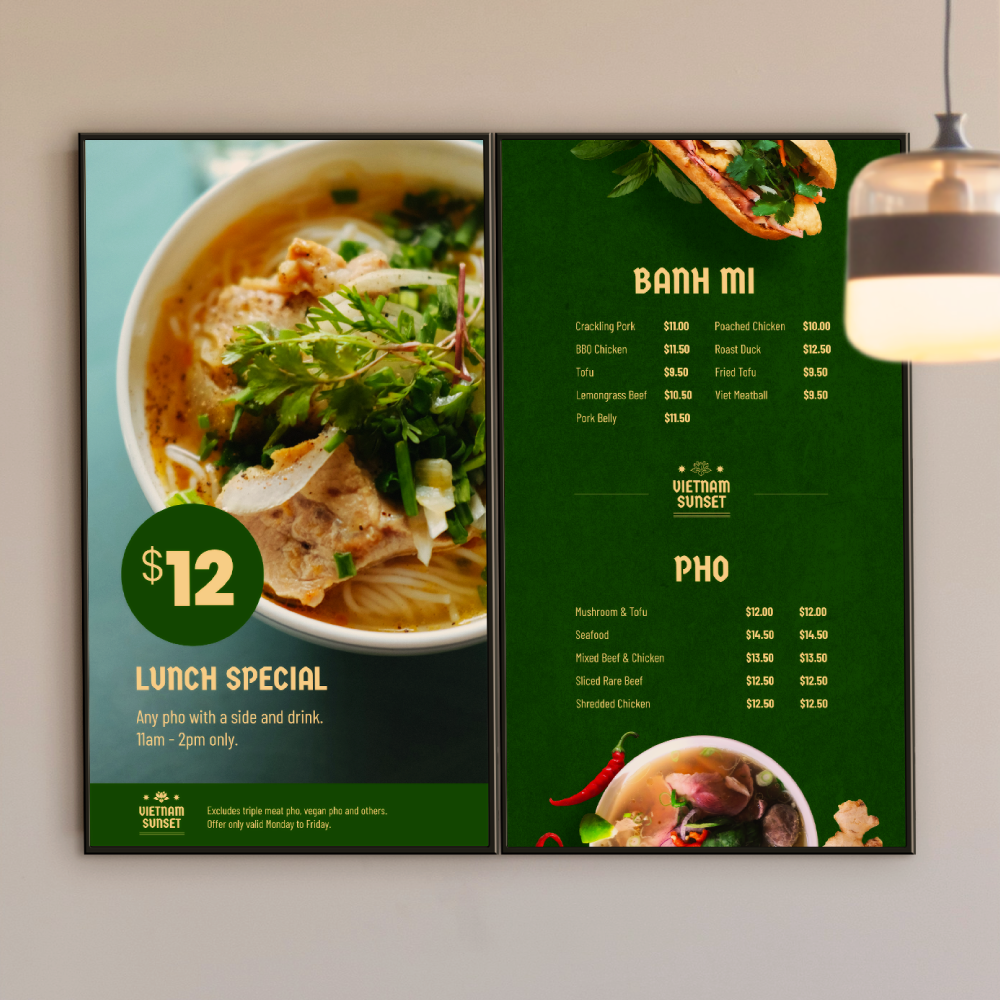
Whether you’re updating menus, promos, announcements, internal comms, or just making your screens look a little less “PowerPoint from 2007”, Canva and Fusion Signage now work beautifully together.
What is Canva?
In case you missed it, Canva is an easy-to-use design app. Inside you can create pro signage designs in seconds using templates or from scratch. Easily drag and drop brand fonts, colours, graphics and logos into signage optimised designs.
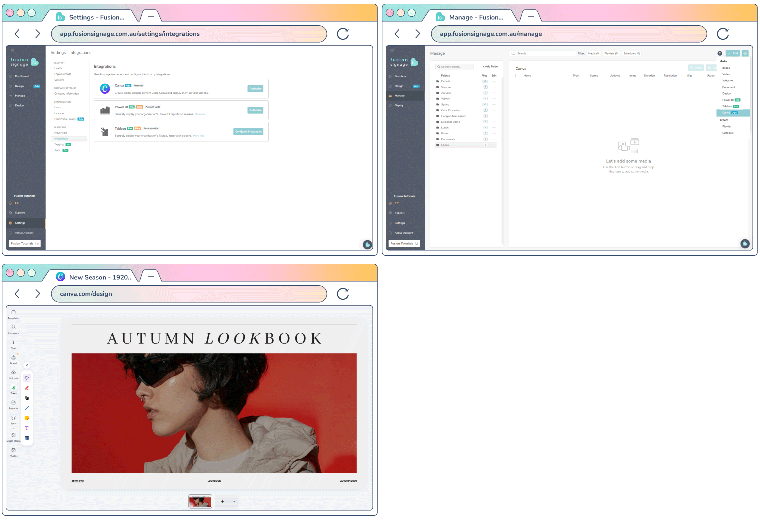
Connect Fusion Signage to Canva in 3 steps
- Log into Fusion Signage. In Settings, click Integrations → Canva.
Here you will authorise your Canva connection to Fusion Signage. - Go to Manage, click Add → Canva.
This will take you to your Canva account, if you don’t have one, setup for free. - Design in Canva. Then, hit Return to Fusion Signage.
You can then manage your Canva design like you would any other media item.
Watch our demo
Getting your Canva designs into Fusion Signage is simple, but let’s go through it together anyway. More of a read-learner? Here’s a step-by-step support article right here for you.
Why it's so neat
Canva is a go-to design tool. Why? It’s quick, flexible, and you don’t need a graphic design degree to make something look good. High fives all round.
While some of our users already love Canva, they didn’t love the old process. It looked like this. Design in Canva, download, then manually upload into Fusion Signage.
We listened. And because of you, the process is now simpler. Sweet.
Design, send to Fusion Signage. Go live.
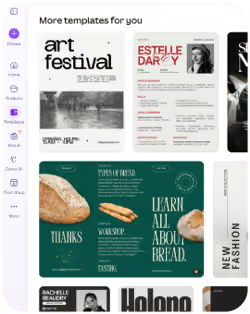
So fast. So easy.
Now, designs land inside Fusion Signage like any other media item, so you can still:
- Add designs to your playlists
- Update designs anytime you want
- Schedule designs like any other media item
- Deploy designs across one or thousands of screens
Who uses Canva?
Put simply: everyone.
Marketing teams. Retail staff. Franchise groups. Schools. Hospitality venues. The “I somehow became responsible for the screens” person in the office.
Canva has completely changed the way businesses create content. No design degree (or even a design eye) needed. How cool. This integration is here to make content updates faster and easier for every person.
Simply connect your Canva account, export your designs into Fusion Signage, and manage them with the rest of your digital signage content.
Less friction. More creation. Better screens. That’s kind of the whole vibe.
Thanks, Canva 🤝
The Monthly Sip
Sign up to our newsletter for the latest updates, insights and helpful tips straight to your inbox.
Email*


Looking for something else?
We can’t wait to hear about it. Reach out to our sunshiney support or binge demos on-demand.
.avif)

Become a
Fusion Signage
partner

Our story
We’re an agile team of engineers, dog-lovers and get-stuff-done-ers. Here to make your digital signage feel simple, go powerful and create impact.

<3
Our sunshiney support have an average response time of less than three minutes. <3 that for us.
