Meet audit logs
7 Oct
00
min read
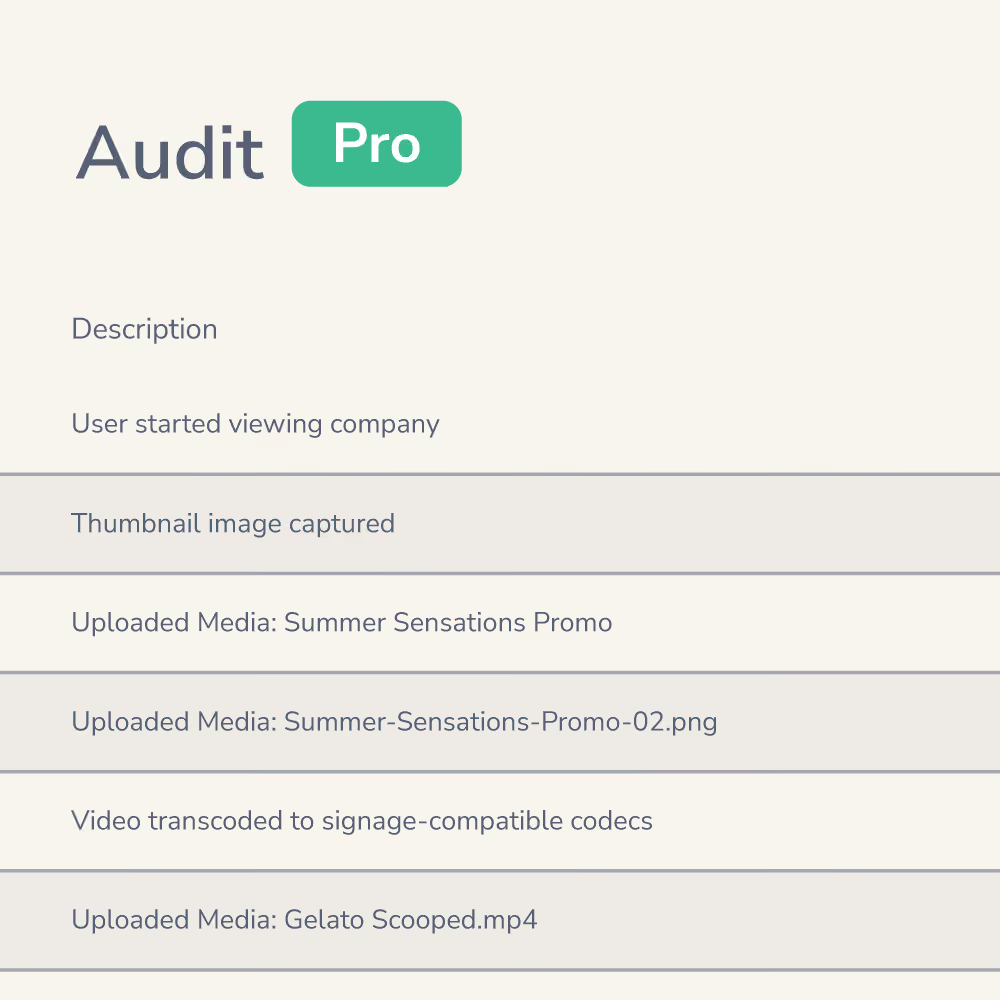

Meet audit logs – your new way to keep tabs on the who, when, and what behind every change in your Fusion Signage account.
Your new way to keep tabs on everything happening in your Fusion Signage account. From troubleshooting hiccups, to keeping your team accountable – this new feature makes sure you always know the who, when, and what behind every change. 🙌
Pro Licence holders have access to this latest feature as of today. 👏
Audit logs at a glance
Track user activity across your account with ease.
Review team activity for better collaboration.
Troubleshoot issues faster (goodbye detective work).
Investigate any accidental deletions or changes with clarity.
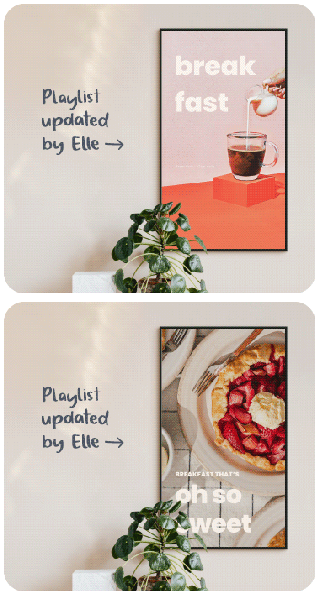
Why they're so handy
Audit Logs take any guesswork out of managing your screens and content.
- Transparency you can trust – no more wondering who updated that playlist or moved a media item.
- Accountability made simple – maintain a clear history of actions across your team.
- Peace of mind – if something goes missing, you’ll know exactly when and how it happened.
And don’t worry – the data is read-only, so no one can tamper with your history.
Watch our demo
It's a simple thing, but let's go through it together anyway. 💙
More of a read-learner? We've got a step-by-step support article right here for you.
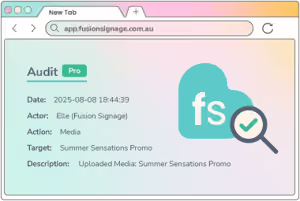
What you'll see in audit logs
Each entry in the audit log includes:
Date and time – when the action happened
User – who performed it
Action – what type of action (created, deleted, deployed, etc.)
Target – which item was involved (screen, playlist, file, user, company)
Description – a little extra context to keep things clear
Important notes
- Audit logs are available for Pro Licence holders only (hit us up if you'd like to upgrade).
- Data is read-only – it can’t be edited.
- Tracking began in May 2025, so actions before this date are not recorded.
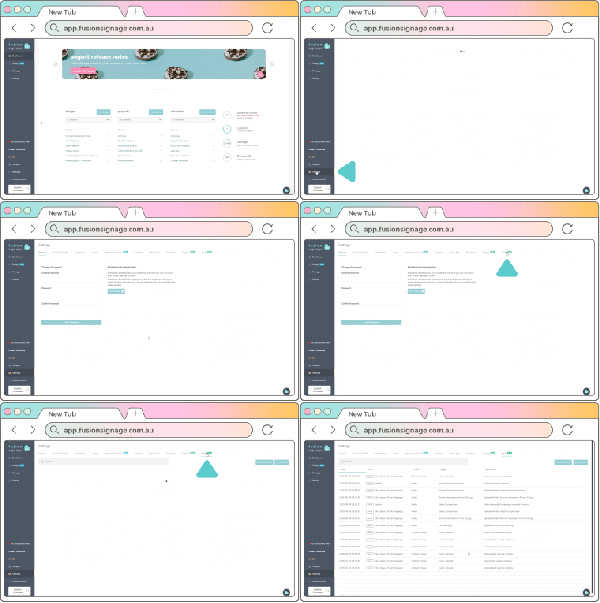
Where to find audit logs
Getting started couldn’t be easier:
- Log in to your Fusion Signage account
- Head to Settings
- Click the shiny new Audit tab (you’ll spot it on the far right)
Remember – this is a Pro Licence feature only. If you'd like to enquire about upgrading to Pro, send us an email and we'll sort it out!
The Monthly Sip
Sign up to our newsletter for the latest updates, insights and helpful tips straight to your inbox.
Email*


Looking for something else?
We can’t wait to hear about it. Reach out to our sunshiney support or binge demos on-demand.
.avif)

Become a
Fusion Signage
partner

Our story
We’re an agile team of engineers, dog-lovers and get-stuff-done-ers. Here to make your digital signage feel simple, go powerful and create impact.

<3
Our sunshiney support have an average response time of less than three minutes. <3 that for us.
