Send PowerPoint and PDF files direct to your digital signage screens
18 Jun
00
min read
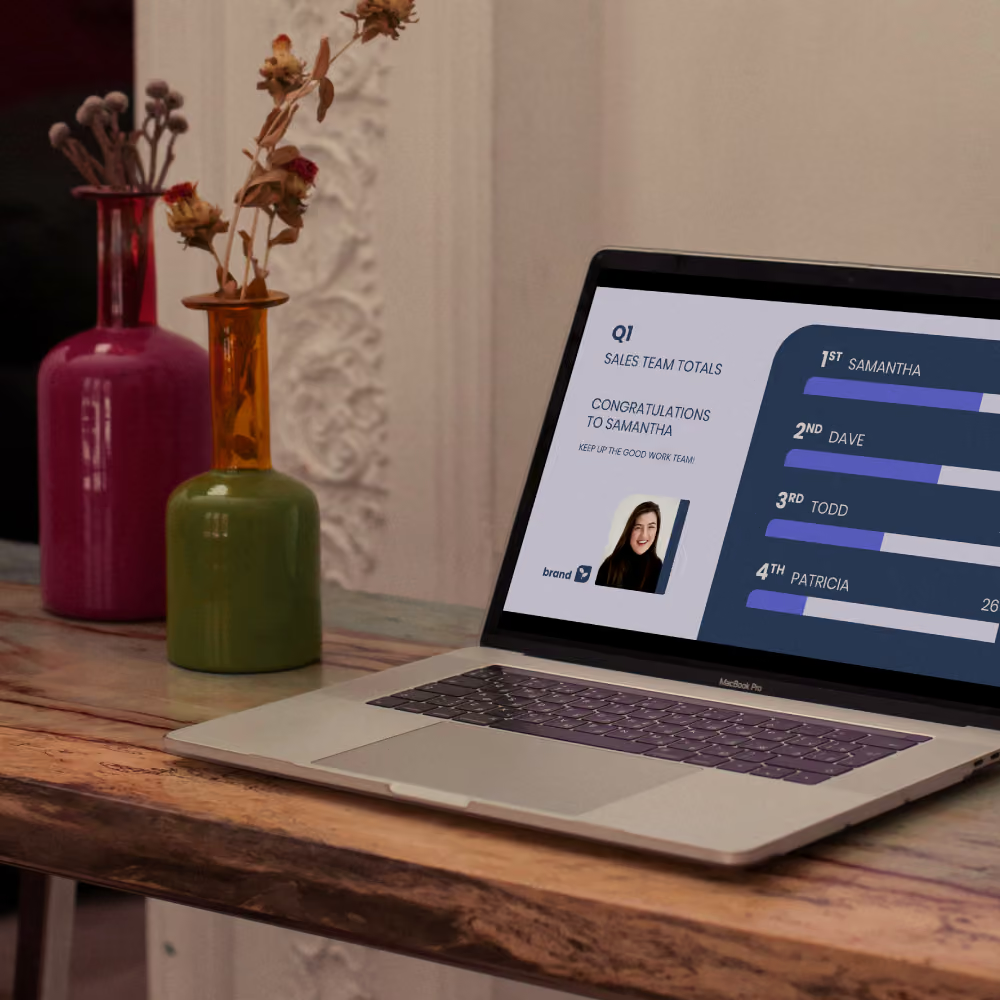

Fusion Signage officially supports PDF and PowerPoint files! Simply upload your PDF or PPT file, set the playback duration, add to a playlist, and publish.
Your team already knows how to create great content. Now, it’s easier than ever to get that great content onto your screens.
Fusion Signage officially supports PDF and PowerPoint files! ✨
You can now publish existing presentations, menus, announcements, and promotional content across your digital signage network. Simply upload your PDF or PPT file, set the playback duration for each slide, add it to a playlist,
and publish remotely to your screens. Easy-peasy.
This feature addition was shaped by real conversations with you – our customers, partners, and integrators looking for an easier way to distribute existing content across their screens. No USBs. No complicated setup. And no rebuilding content from scratch.
Keep using the tools your team already knows
Not every business wants to overhaul the way they create content. Many teams already have workflows and processes in place around PowerPoint or PDFs – staff know how to use them, and content is already being created internally.

With PDF and PowerPoint support in Fusion Signage, you can keep using the tools your business is comfortable with. All while gaining the flexibility of cloud-based digital signage management.
That means:
- Updating screens remotely
- Distributing content across locations faster
- Reducing manual USB updates
- Simplifying content rollouts for teams
- All without changing the way your business already works.
A single upload, for simple management
When you upload a PDF or PowerPoint file into Fusion Signage, it stays as a single media item inside your account. Meaning your playlists stay clean and easy to manage, while Fusion Signage handles the processing behind the scenes to prepare each slide or page for playback.
You simply:
- Upload your file (like you would any other media item)
- Set the slide / page playback duration
- Publish to your screens
- Fusion Signage takes care of the rest. ✨
Watch our demo
It’s a simple process, but let’s walk through it together. 💙
More of a read-learner? We’ve got a step-by-step support article here for you.
Built around real business workflows
PDF and PowerPoint support is ideal for businesses displaying:
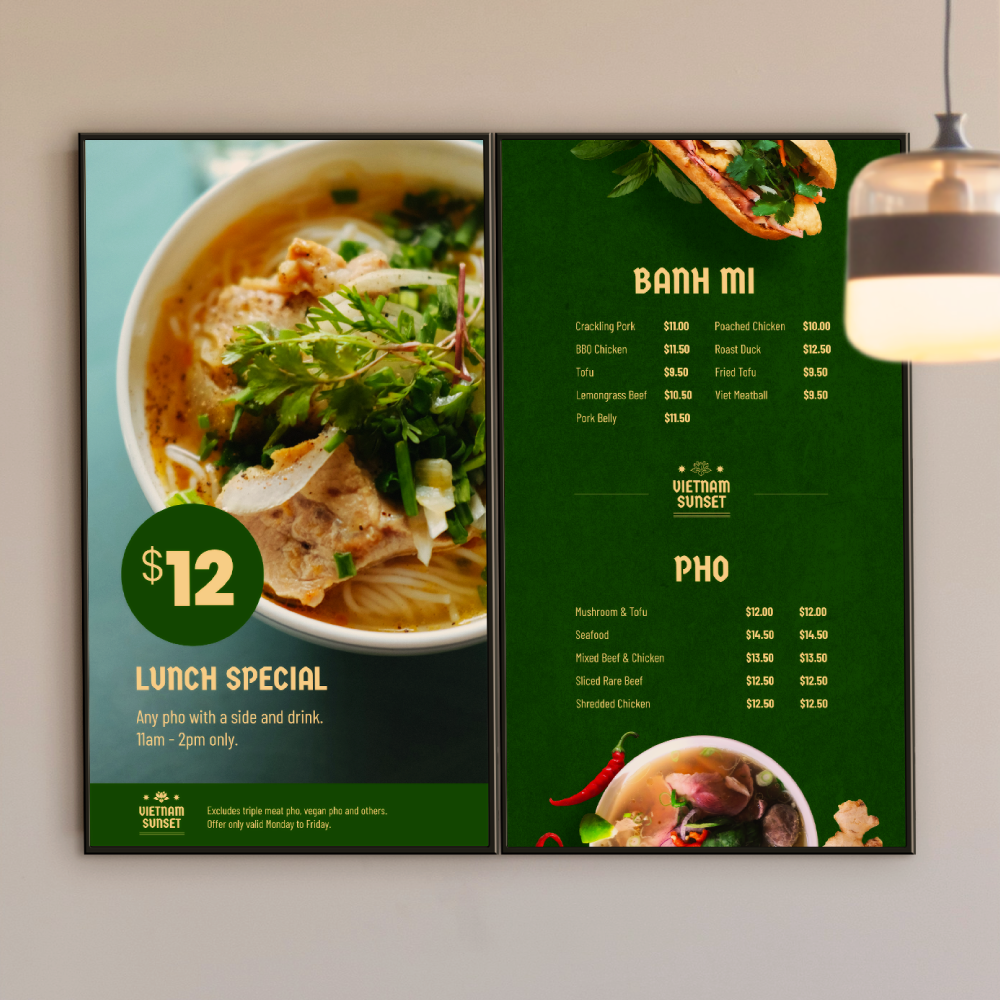
- Menus
- Promotional slides
- Internal communications
- Informational screens
- Corporate presentations
- Announcements and notices
Instead of recreating content in another platform, teams can quickly publish the content they already have. For many businesses, that means getting their content onto screens faster, with less admin and less friction.
Flexible playback for different content types
When uploading a PDF or PowerPoint file, you can set how long each slide or page displays on screen.
This gives your team more flexibility to tailor content playback depending on the type of messaging being shown – whether it’s fast-moving promotions or longer informational content.
And because Fusion Signage optimises playback behind the scenes, your content remains smooth, reliable and ready for screen use.

Available across every Fusion Signage licence tier
PDF and PowerPoint support is available for all Fusion Signage licence tiers – including Basic, Advanced, and Pro Licences. That was an intentional decision for us.
For many businesses, displaying PDFs or PowerPoint presentations is their first step into digital signage. They’re looking for a simple, reliable way to move beyond USB updates and start managing screens remotely – skipping any advanced workflows or complex content creation tools.
We wanted to make that transition easier – especially for customers looking for an accessible entry point into cloud-based signage.
Whether you’re starting with a single screen or managing a growing network, you can upload and publish your existing content using the tools your team already knows.
Sometimes the best solution isn’t creating an entirely new workflow. It’s making the one you already use easier, faster, and more scalable.
The Monthly Sip
Sign up to our newsletter for the latest updates, insights and helpful tips straight to your inbox.
Email*



Looking for something else?
We can’t wait to hear about it. Reach out to our sunshiney support or binge demos on-demand.
.avif)

Become a
Fusion Signage
partner

Our story
We’re an agile team of engineers, dog-lovers and get-stuff-done-ers. Here to make your digital signage feel simple, go powerful and create impact.

<3
Our sunshiney support have an average response time of less than three minutes. <3 that for us.
