Wave 1 of Screen Control is here
17 Nov
00
min read
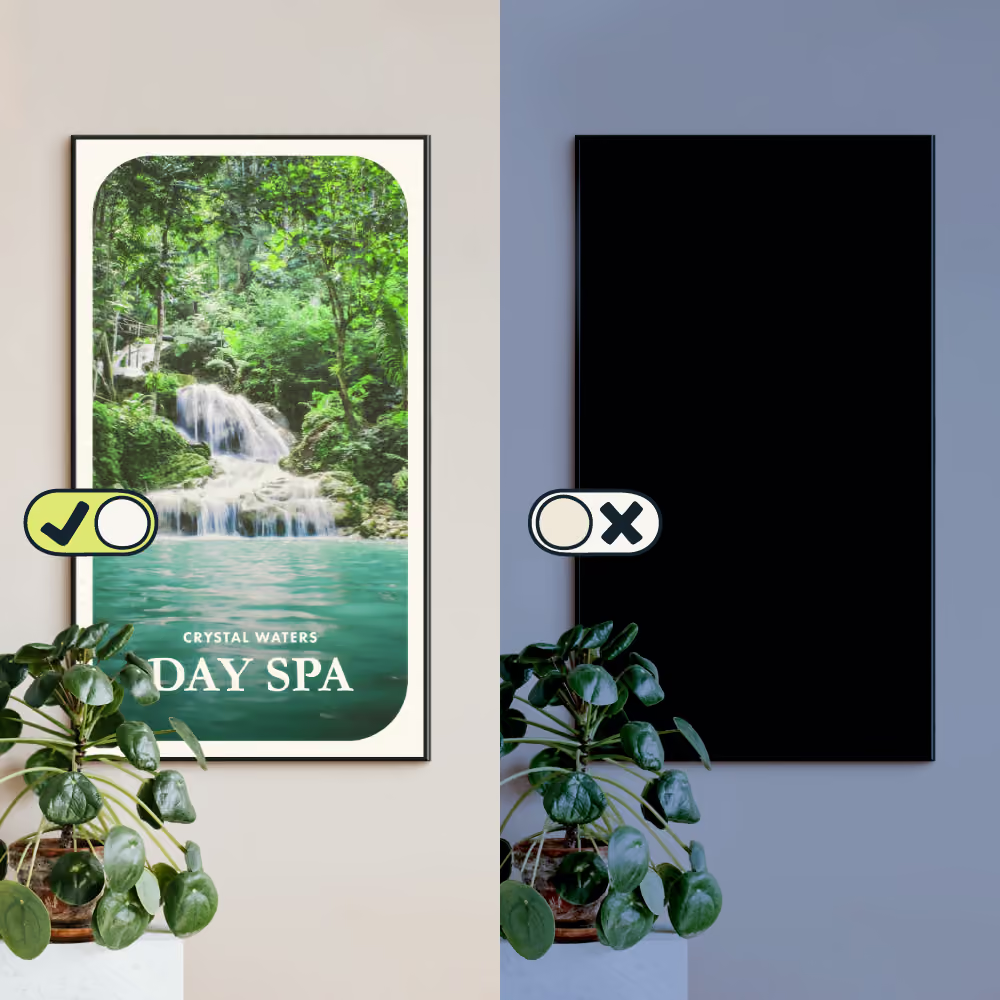

For the first time ever, you can now manage your digital signage content and screens from one neat dashboard. Ever wanted your screens to turn on and off on their own? Now they can, but that’s only the beginning.
Introducing Screen Control.
Your answer to managing digital signage (not just content) from anywhere.
- Now you can turn screens on and off on autopilot.
- Soon, you’ll be able to automate restarts and adjust brightness too.
It saves energy, extends hardware lifespans and requires no one onsite. Big news.
Screen Control at a glance
Turn your screen on, off – up or down in brightness from anywhere or on auto-pilot.
Think of it like the ultimate way to maximise screen sleep hygiene:
Wake screens up, get them ready, turn down the lights and send them to sleep.
All at specific times set by you.
On > restart > brightness > off.
Soon it will all happen 100% hands-free.
- (Use now!) Power Scheduling: set times for your screen/s to turn on and off
- (Coming soon) Restart Scheduling*: automate screen restarts at any time or day
- (Coming soon) Brightness Scheduling*: turn brightness up and down on auto-pilot

Why it’s so neat
Screen Control gives you more visibility, more power and more automation.
Now you can manage your content and every device from one neat dashboard.
Have complete control of every location, anywhere you are. No need to be on-site, or even rely on staff to power down screens. Your system remains fresh, your electricity is saved, your hardware is grateful for the rest.
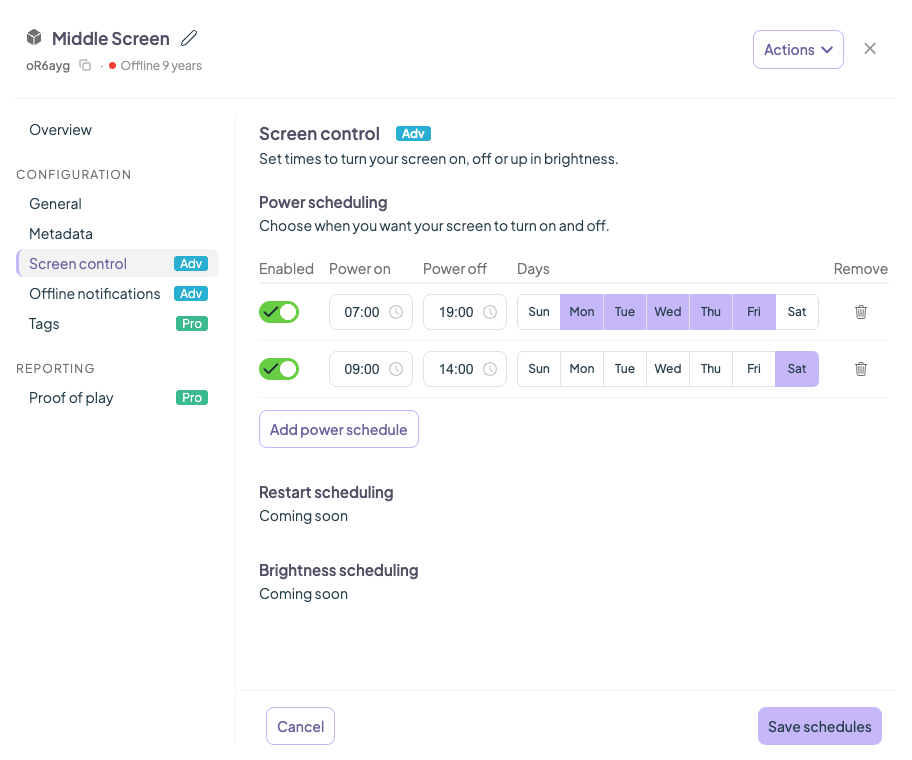
Power Scheduling is ready to use
Schedule your screens on and off from your Fusion Signage dashboard.
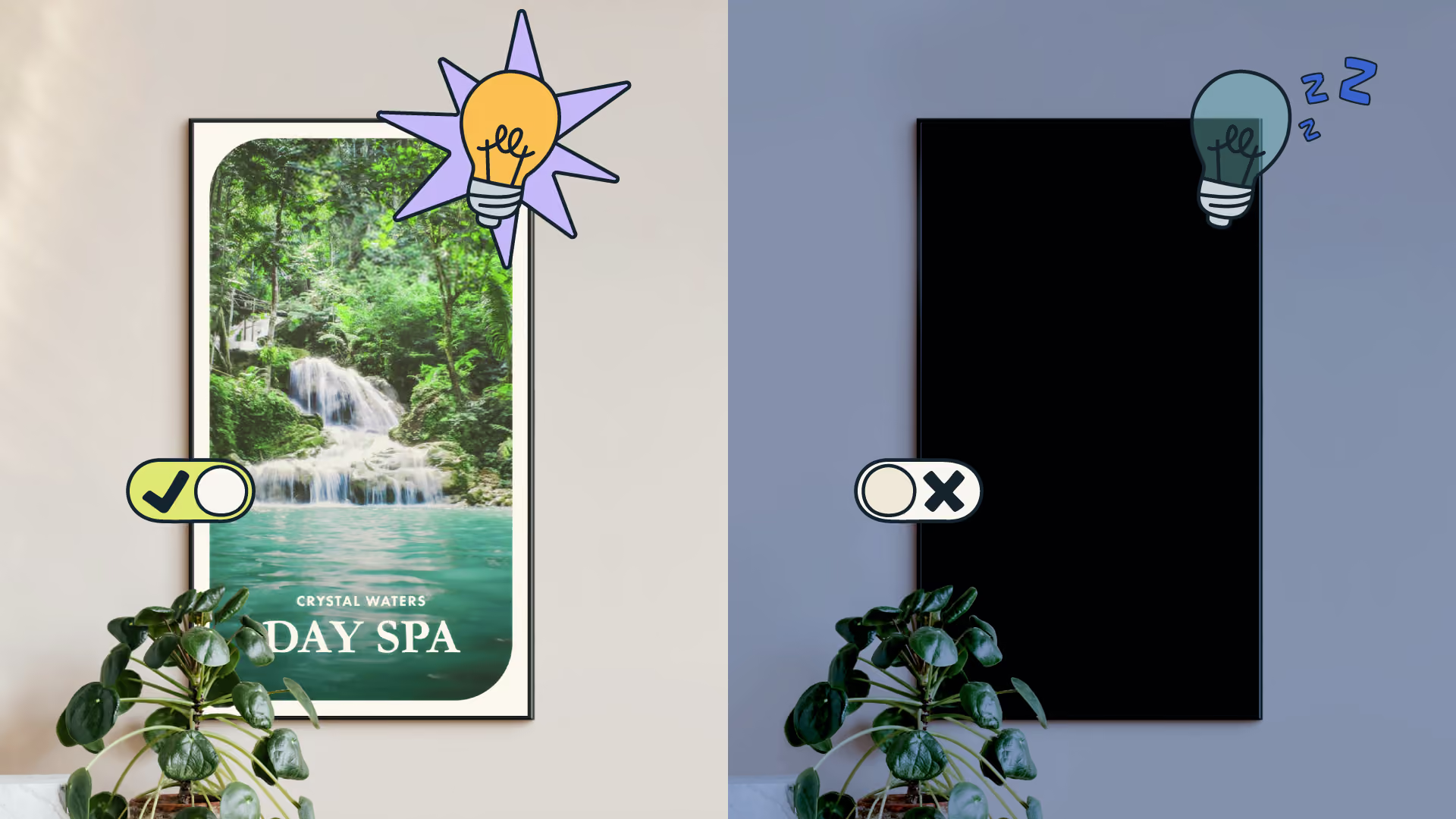
Think of it like setting your screens’ morning alarm and tucking it in at night.
But you personally have to do absolutely zero once it’s all scheduled.
When the drive thru closes, the sun sets or the open hours are over - screens down.
Then fryers on, sun up, doors open - turns signage back on.
Power Scheduling is exactly how you optimise energy use and work to extend the life of your hardware. It makes sense. Rest is essential for a long life. Same goes for your hardware. Let it live in its wonder years and look flashy for longer.
In a nutshell: wake screens up and send them down at specific times.
Speedy demo: Power Scheduling in 53 seconds
Full demo: all about Screen Control
Need a hand getting started? Our Power Scheduling support guide has you covered.
(Coming soon) Restart Scheduling
Restart your screens and keep them fully fresh.
Quit the ‘x’ hit on restart reminders. Now Fusion Signage will do it for you.
We’ve already run the testing and it’s efficiency to the max.
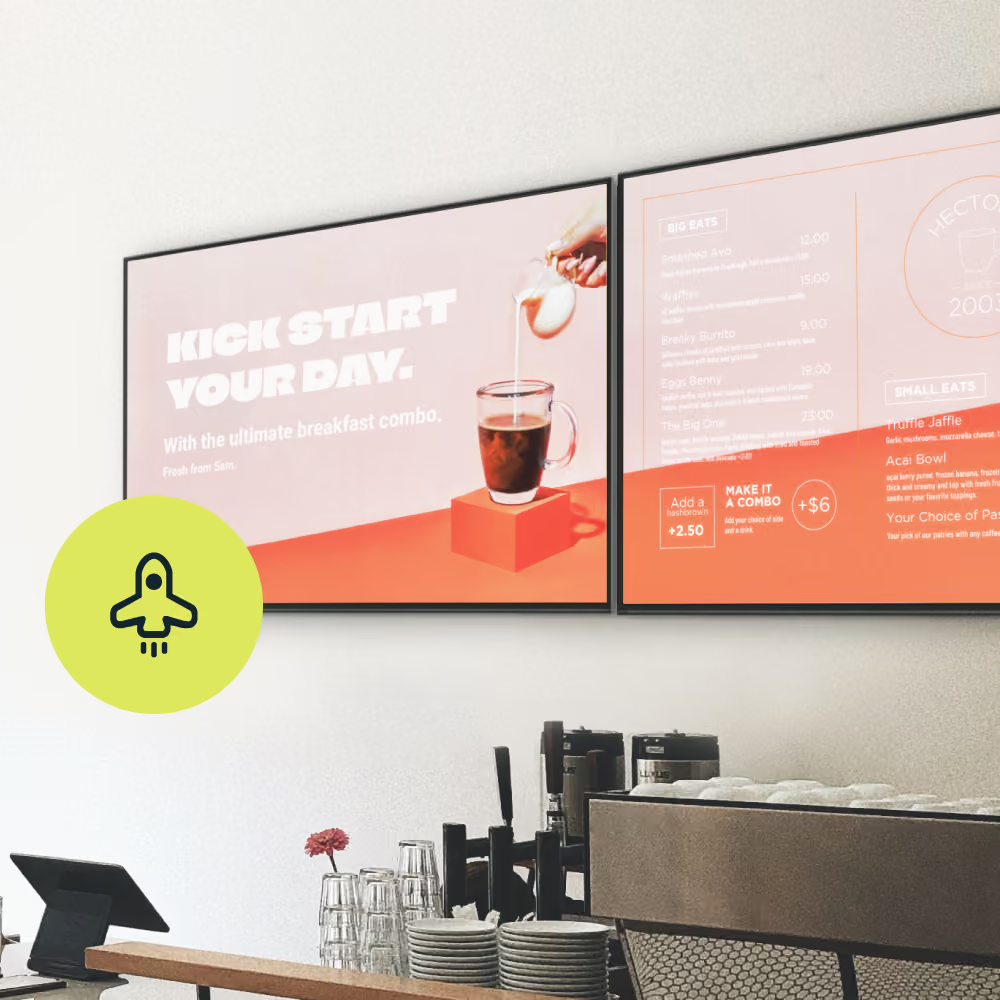
Take Westpac for example. They push firmware updates to their screens. Sending an automatic restart every morning is exactly what they need. It refreshes the hardware for ultimate screen health.
An auto-pilot restart will soon be available to everyone.
In a nutshell: get your screens ready on autopilot
(Coming soon) Brightness Scheduling
Up and down the brightness on your screens.
Street-facing screens have specific rules and regulations for road safety.
Or maybe you’d like to lower brightness on screens at night time.
Do it in the dashboard lickety-split.
In a nutshell: turn down the lights at the exact right time.
Mini FAQs
Which devices is this feature compatible with?
Screen Control will be compatible across all major brands supported by Fusion Signage, including: Amazon Signage Stick, Brightsign, Fusion Signage Android Player (coming soon), Hisense, Philips, Tizen and WebOS. For full compatibility details, view our support article here.
What happens if someone manually turns off a screen?
No problem! If someone manually turns off a screen, Fusion Signage will attempt to turn it back on at the next scheduled on time. Just make sure the device remains online and, for external media players, that HDMI-CEC is configured correctly.
What shows if someone manually turns on a screen scheduled to be off?
The screen will display black rather than your assigned content. This is because Fusion Signage continues to follow the Power Schedule configured in your dashboard.
What happens if I schedule it off, then change my mind during that window?
Plans change, and that's okay! You can update your Power Schedule directly in Fusion Signage. For example, if your store normally opens at 9am but you're opening at 8am for a special event, simply adjust your schedule to reflect the earlier opening time. Allow approximately 5 minutes for your updated schedule to take effect.
Getting set up
- Log in to your Fusion Signage account.
- Navigate to Screens and select the screen you’d like to manage.
- Open the screen’s settings and locate Power Schedules.
- Configure the days and times you’d like your screen to be on or off.
- Hit save and cheer!
Stay tuned for the next wave of Screen Control releases. Restart Scheduling is coming soon. Then it’s Brightness Scheduling.
The Monthly Sip
Unlock viral digital signage campaign breakdowns, fresh industry news and actionable inspo. One a month, only the best stuff. Unsubscribe any time, no hard feelings.
Email*


Looking for something else?
We can’t wait to hear about it. Reach out to our sunshiney support or binge demos on-demand.


Become a
Fusion Signage
partner

Our story
We’re an agile team of engineers, dog-lovers and get-stuff-done-ers. Here to make your digital signage feel simple, go powerful and create impact.

<3
Our sunshiney support have an average response time of less than three minutes. <3 that for us.
